Send the footage. Get it back edited.
Pick an editing style, send your take, and see the delivery date before you start.
See the editing stylesHow an edit goes, step by step
You send your take. It uploads and lands on the timeline as one long clip.
What $8.99 gets you
- $8.99a month on Lite
- that's60credits, every month
- at5credits a minute of video
- that's12minutes of edited video
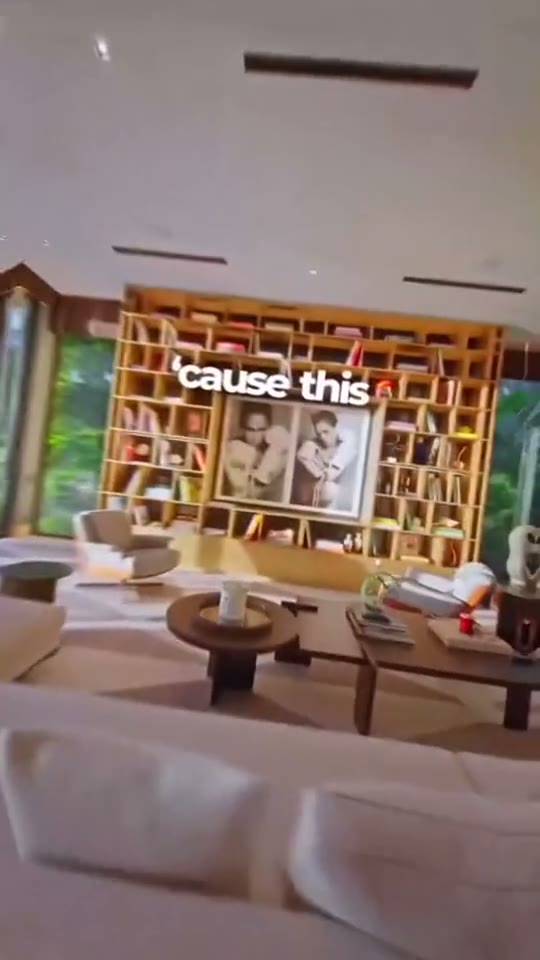
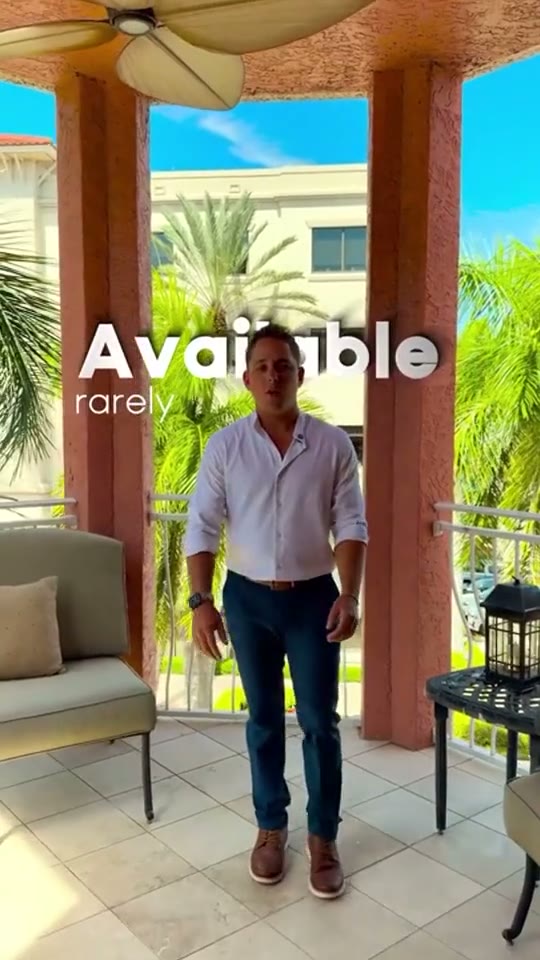
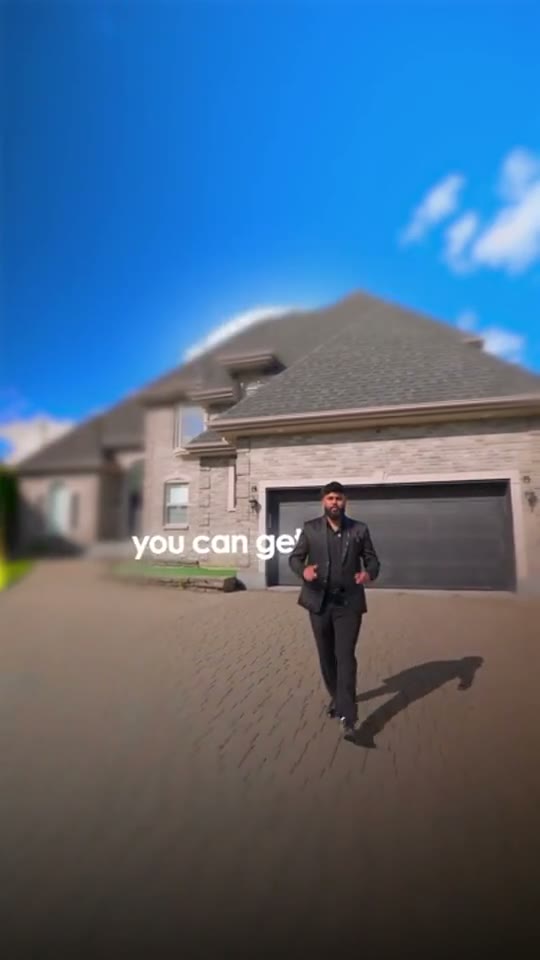
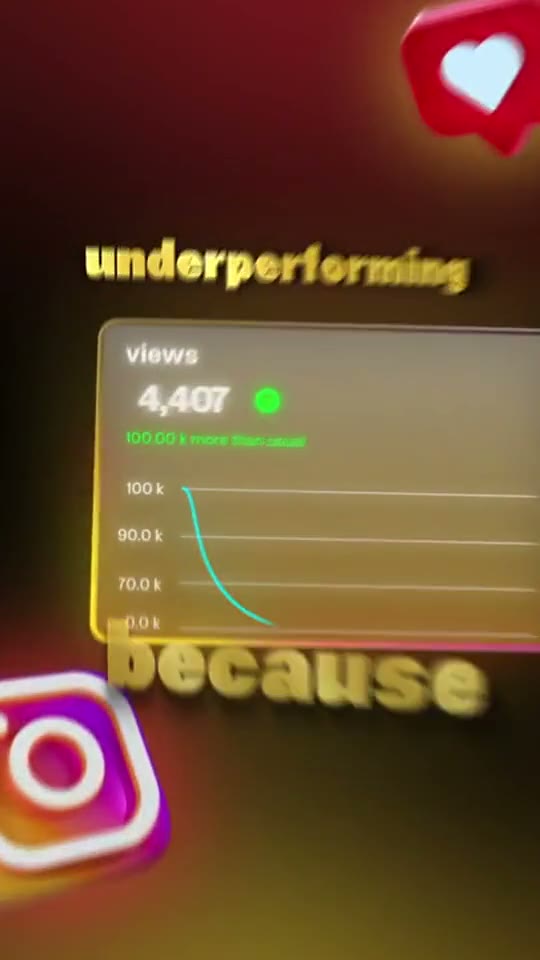
Reels we made, playing.

Three takes in. One video out.
Drop in your raw clips, a script if you have one, and pick a style. We put the takes in order and cut them into one video. You see the ready date before you start.
A drawn composer: three takes and a script are dropped in and the takes become one video, an ask is typed, a level and a style are picked, and pressing Edit sends the files and shows the ready date.
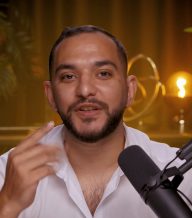


Then it gets the look you picked.
Every edit is made in the look you choose when you start. Each look on sale plays here on our own footage, with the date an edit in it would be ready.
Raw in. Reel out.
Send the take as you shot it. It comes back edited in the look you picked.
Keeps the take you finished
The false starts and the dead air go.
Your sound, levelled
Not too quiet, not too loud.
Words on screen
Every word lands as you say it.
You have the last word
Fix a word in the Studio, then press Complete edit.
Made for founders
who would rather be on camera.
Founders
Coaches and teachers
Creators
Agencies
Send a client's raw take, check the first cut, then complete the edit.
What happens after you press start.
Your order page shows where your edit is. When the first cut is ready, you check it in the Studio, then you download the finished video.
- 1Footage received
- 2First cut
- 3Your checkYour turn
- 4Finishing
- 5Ready for you
- 6Delivered
Promises we keep in writing.
- A miss is not billed.If we can't make your first cut, all its credits come back automatically.
- Late means credits back.Once you've pressed Complete edit, if it isn't finished by its date, its credits come back automatically.
- Checking is free.Change it as much as you like: checking is free, and it isn't a round of changes.
- 2 rounds of changes.Included with every edit.
- Credits returnedAutomatically. You did not have to ask+120300 left
- Not finished by its dateAfter you pressed Complete editLate
- Edit startedCredits set aside for the work−120180 left
Prices
Slide to see which plan fits.
- Card
Lite
For trying it out
credits a month
Up to reels (up to 60s each)
Fixed amount of 60 credits a month
a month
From a reel
Get LiteWhat the edit does
- 1 free video
- Cutting
- Captions
- Basic, Mid and Motion edits
- Motion editing styles
On every plan
- Unused credits roll over for 1 month
- 2 rounds of changes per edit, no credits used
- Top-ups any time, while you have a plan
- Cancel in one click
Starter
For your first videos
credits a month
Up to reels (up to 60s each)
Fixed amount of 150 credits a month
a month
From a reel
Get StarterWhat the edit does
- 1 free video
- Cutting
- Captions
- Basic, Mid and Motion edits
- Motion editing styles
On every plan
- Unused credits roll over for 1 month
- 2 rounds of changes per edit, no credits used
- Top-ups any time, while you have a plan
- Cancel in one click
Growth
Our pickFor a steady posting schedule
credits a month
Up to reels (up to 60s each)
a month
From a reel
Get GrowthWhat the edit does
- 1 free video
- Cutting
- Captions
- Basic, Mid and Motion edits
- Motion editing styles
On every plan
- Unused credits roll over for 1 month
- 2 rounds of changes per edit, no credits used
- Top-ups any time, while you have a plan
- Cancel in one click
Pro
For the busiest channels
credits a month
Up to reels (up to 60s each)
a month
From a reel
Get ProWhat the edit does
- 1 free video
- Cutting
- Captions
- Basic, Mid and Motion edits
- Motion editing styles
On every plan
- Unused credits roll over for 1 month
- 2 rounds of changes per edit, no credits used
- Top-ups any time, while you have a plan
- Cancel in one click